

Demonstration of basic laboratory techniques, with the ability to stop, rewind and watch again. Aimed at 1st year students with no chemistry or limited experience
Ancillary, supplementary or associated files…
This infographic is derived from the National Forum Open Licensing Toolkit, a document that outlines the National Forum’s commitment to open licensing, which enables the creation and sharing of open educational resources. The toolkit provides a detailed description of Creative Commons (CC) licenses, the global standard for open licensing, as well as a 4-step guide to choosing, creating and adding CC licences to resources in order to make them OER, i.e. able to be shared, reused and adapted in different institutional, disciplinary and programme contexts.
You may also be interested in the related infographic: ‘How to Choose an Open Licence”.
Creative Commons Attribution (CC BY)
This work is licensed under a CC BY license, allowing sharing and adaptation with proper attribution.
https://creativecommons.org/licenses/by/4.0/
Links open in a new tab.
If you have modified or adopted this resource, share your version here. Tracking adaptations helps us measure impact and connects others with useful updates.
Explore resources sharing the topics attached to this record.
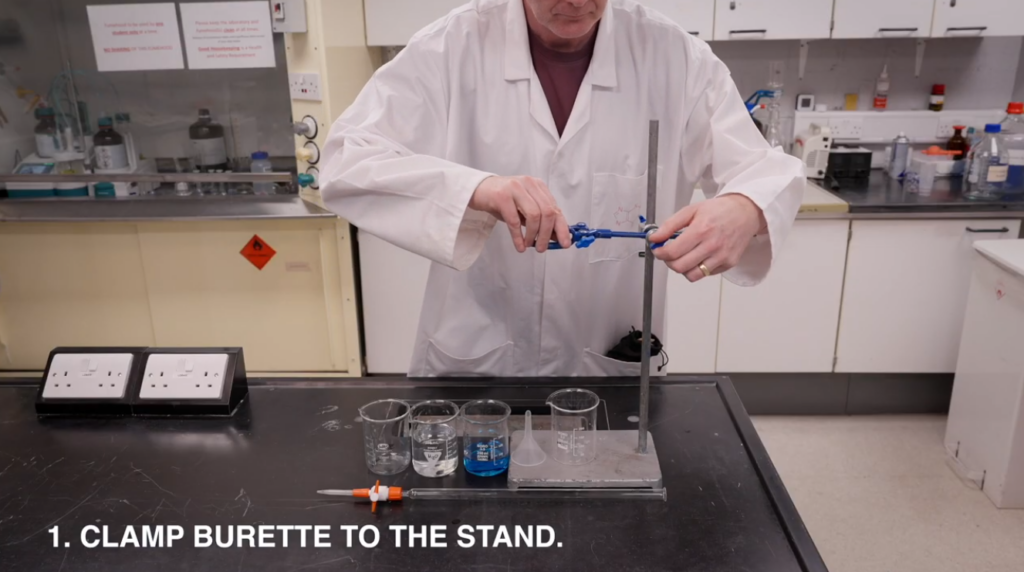
Demonstration of basic laboratory techniques, with the ability to stop, rewind and watch again. Aimed at 1st year students with no chemistry or limited experience
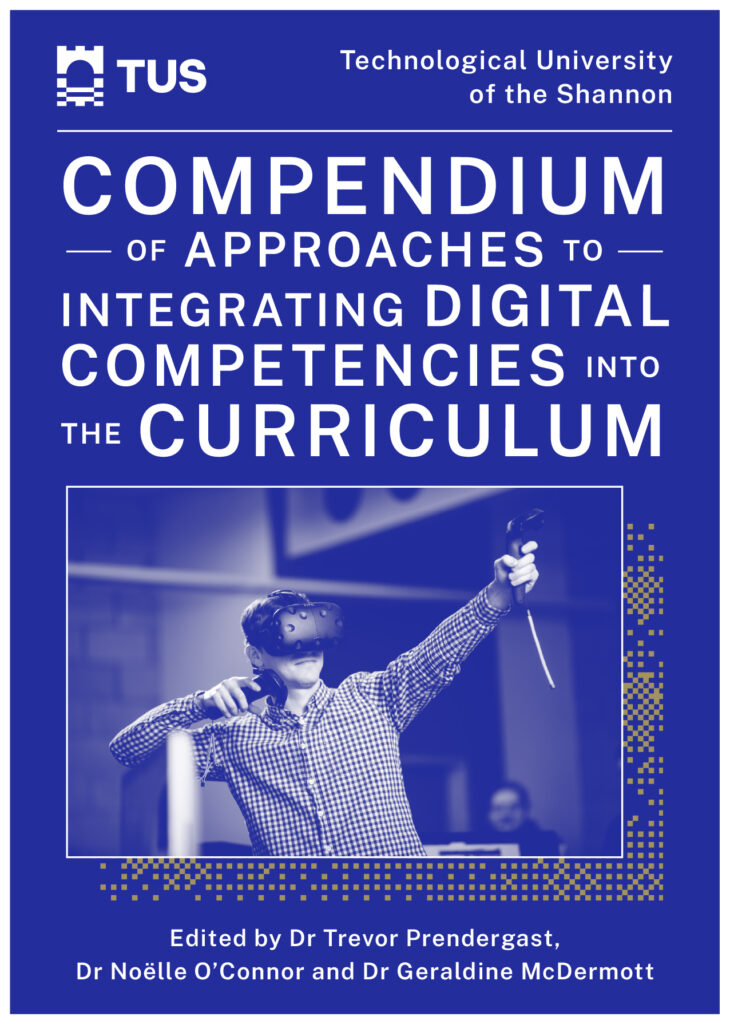
The Technological University of the Shannon (TUS) Compendium of Approaches to Integrating Digital Competencies into the Curriculum exemplifies the University’s commitment to embedding digital capability development across teaching, learning, and assessment.
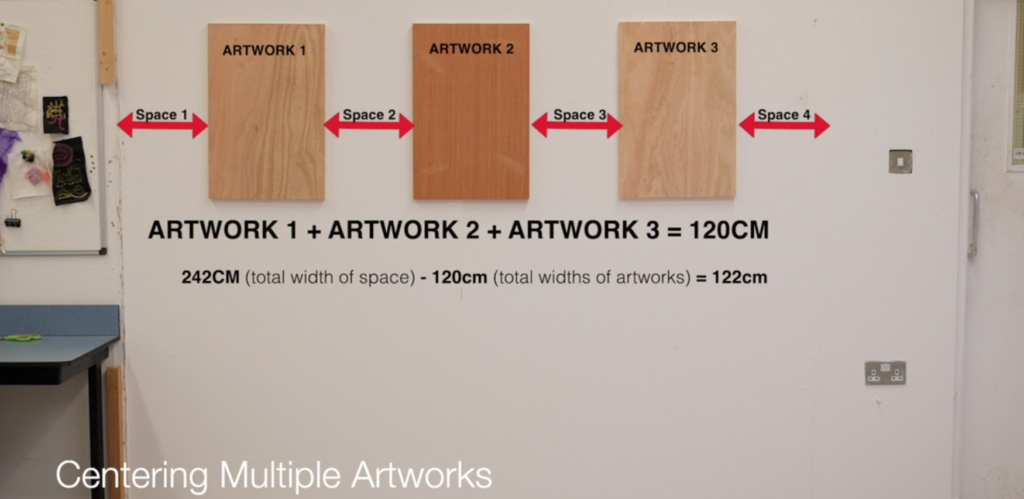
These video resources outline basic hanging and levelling methods used in the hanging and display of a variety of wall-based artworks, as well as demonstrating safe operation procedures for basic hand tools such as a drill, jigsaw, sander and nail gun.